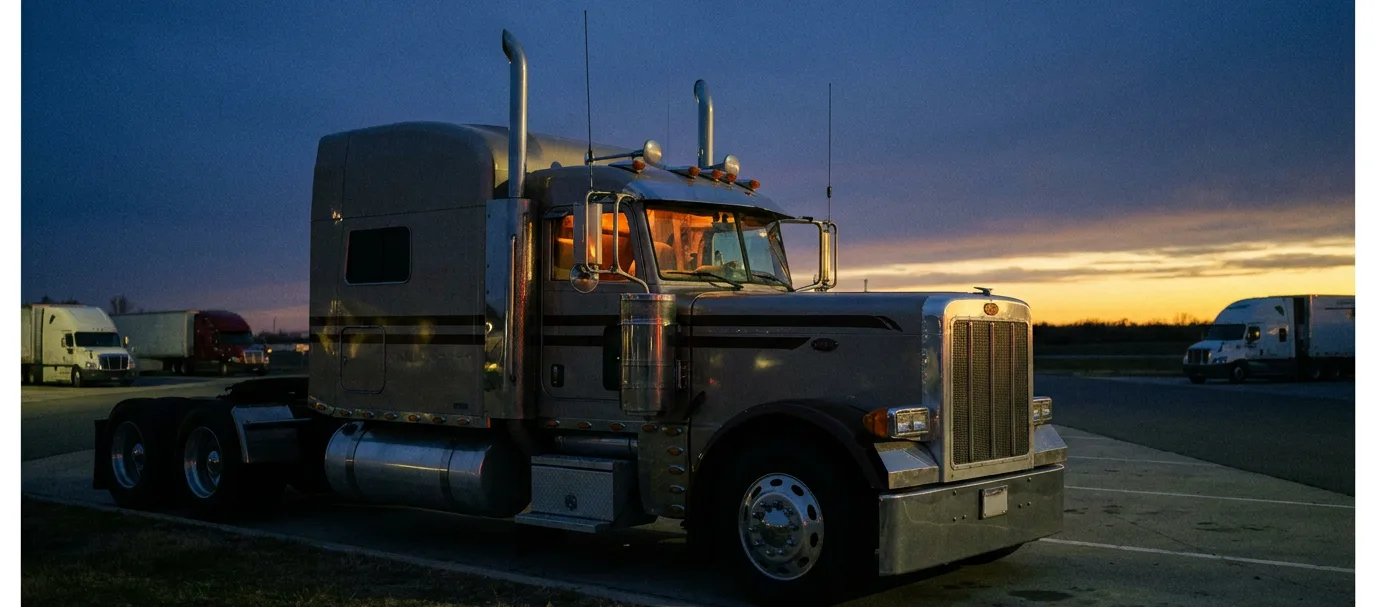
A motorcoach on an open highway at dusk, chrome catching the last amber light

CoachClock

Passenger-carrier hours of service, done right: 10 hours driving, 15 hours on duty, no 34-hour restart, per 49 CFR 395.5.

Passenger-Carrier 10/15-Hour Shift Calculator

Build a bus or motorcoach shift below and watch your 10-hour driving clock and 15-hour on-duty accumulation move on the timeline, per 49 CFR 395.5. Off-duty time does not burn the 15-hour clock, and there is no 30-minute break rule. An 8-hour reset restarts both clocks.

Quick start:

    Your shift on the clock

    Driving left (of 10h)
    10 h
    On duty left (of 15h)
    15 h

      How the passenger-carrier 10/15-hour rules work

      If you drive a bus, a motorcoach, or a charter, your hours-of-service clocks are not the same as a freight driver's. Passenger-carrying drivers run on 49 CFR 395.5, a separate rule from the 49 CFR 395.3 limits that cover property-carrying trucks. The two look similar at a glance and differ in ways that matter every shift. This calculator encodes the passenger numbers so you can sketch a day and see exactly where your clocks stand.

      The 10-hour driving limit

      Under 49 CFR 395.5(a)(1), you may not drive more than 10 hours following 8 consecutive hours off duty. That is one hour less driving than a property driver's 11-hour limit. When your logged driving time reaches 10 hours since your last reset, you are done driving until you take another qualifying rest. The calculator tracks driving separately from other on-duty time and flags the moment you would cross the 10th hour.

      The 15-hour on-duty limit is a total, not a window

      This is the difference that catches drivers who cross over from freight. Under 49 CFR 395.5(a)(2), you may not drive after having been on duty 15 hours following 8 consecutive hours off duty. The key word is "on duty." Unlike the property 14-hour rule, which is a continuous window that keeps running whether you are working or not, the passenger 15-hour limit counts only on-duty time. Driving and on-duty-not-driving time add to it; off-duty time and sleeper-berth time do not. A two-hour meal break in the middle of your day does not burn your 15 hours the way it would burn a property driver's 14-hour window. The calculator shows this plainly: add an off-duty block and watch the 15-hour meter hold steady while the clock time advances.

      No 30-minute break

      Passenger carriers have no 30-minute break requirement. The break in 49 CFR 395.3(a)(3)(ii) applies to property-carrying drivers only, so this calculator tracks no break clock. You are still bound by the 10-hour driving limit and the 15-hour on-duty limit, but you are not required to stop for a half-hour after eight hours of driving.

      The reset is 8 hours, not 10

      To restart your driving and on-duty clocks, you take 8 consecutive hours off duty or in the sleeper berth (49 CFR 395.5(a)). That is two hours shorter than the property 10-hour reset. When you add a rest block of 8 hours or more, the calculator marks the reset on the timeline and returns both clocks to a full 10 and 15.

      A plan, not a logbook

      As with every tool here, this is a planning aid, not a compliance record. It does not know your real logs, your carrier's settings, or any exception that might apply to you, and it assumes the hours you type are accurate. Your Electronic Logging Device is the authoritative record of your duty status. Use this to plan your shift, then confirm every number against your ELD before you drive.

      Worked shift examples

      Frequently asked questions

      How are the passenger-carrier rules different from the property rules?
      Passenger-carrying drivers (bus, motorcoach, charter) run on 49 CFR 395.5, not the 49 CFR 395.3 rules that cover freight. The numbers differ: 10 hours of driving instead of 11, a 15-hour on-duty limit instead of a 14-hour window, a reset of 8 consecutive hours off duty instead of 10, no 30-minute break requirement, and no 34-hour restart. The sleeper-berth split is also different. Every tool here uses the 395.5 numbers.
      Is the 15-hour limit a window like the property 14-hour rule?
      No, and this trips up a lot of drivers who cross over from freight. Under 49 CFR 395.5(a)(2) you may not drive after being ON DUTY 15 hours. It is an accumulated on-duty total, not a clock that runs continuously from the moment you come on duty. Off-duty and sleeper-berth time do NOT count against it, so a mid-shift break does not burn your 15 hours the way it would burn the property 14-hour window. The shift calculator shows this directly.
      Do passenger carriers get a 30-minute break?
      There is no 30-minute break requirement for passenger carriers. The break in 49 CFR 395.3(a)(3)(ii) applies to property-carrying drivers only. Our shift calculator tracks no break clock for that reason. You still cannot drive past the 10-hour driving limit or the 15-hour on-duty limit.
      Can I take a 34-hour restart to reset my 60 or 70 hours?
      No. The 34-hour restart in 49 CFR 395.3(c) is a property-carrier provision, and 395.5 has no equivalent for passenger carriers. Your only way to get 60/70-hour on-duty hours back is the rolling recap: as each day drops out of the 7- or 8-day window at midnight, the hours you logged that day become available again. The recap calculator projects that day by day.
      How does the passenger sleeper-berth split work?
      Under 49 CFR 395.1(g)(3), a passenger-carrying driver may accumulate the equivalent of 8 hours off duty by taking two separate periods in the sleeper berth, provided neither period is shorter than 2 hours. So 6/2, 5/3, and 4/4 are valid. This is different arithmetic from the property split, which needs one period of at least 7 consecutive sleeper-berth hours and a total of at least 10. The split checker enforces the passenger numbers.
      Do these tools keep me legal?
      No. They are advisory planning aids, not compliance records. Your Electronic Logging Device and your carrier's records are the authoritative account of your hours. The tools do not know your real logs or any exception that may apply to you, and they assume the hours you enter are accurate. Always confirm against your ELD before you drive.